
Download the PirtoCAD alpha
Free for everyone, straight from us. No account, no email address, no registration.
The downloadable alpha is being finalised. Downloads and checksums will appear on this page when the release packages are ready.
macOS
- This alpha: Apple silicon Macs only, macOS 11 Big Sur or later
- Support for Intel Macs comes in a later version, once it is tested
- Signed package, notarised by Apple
.dmg
Windows
- This alpha: Windows 11 only, 64-bit
- The target is Windows 10 and 11: Windows 10 support comes in a later version, once it is tested
- Installer, or a portable zip package that needs no installation
.msi, .zip
Linux
- The Flatpak brings its own runtime
- .deb: Debian 11 and Ubuntu 20.04 or later
- .rpm: Rocky Linux, AlmaLinux and RHEL 9 or later
Flatpak, .deb, .rpm, .tar.gz
About the alpha
PirtoCAD is still in development. You may use the alpha for free, and we would value your feedback: what works, what does not, and what is missing.
- The finished version will have its own licence terms.
- PirtoCAD is not open source. The terms of use are shown the first time the program starts.
- Every public alpha version expires six calendar months after its release date. Until then it works offline. The expiry date is shown on this page.
- After expiry you need a newer version. Expiry never deletes, changes or locks your projects, settings or other files.
- Project files are not guaranteed to be compatible between alpha versions.
- Projects are saved as IFC 4.3 files by default, which other BIM software can also use.
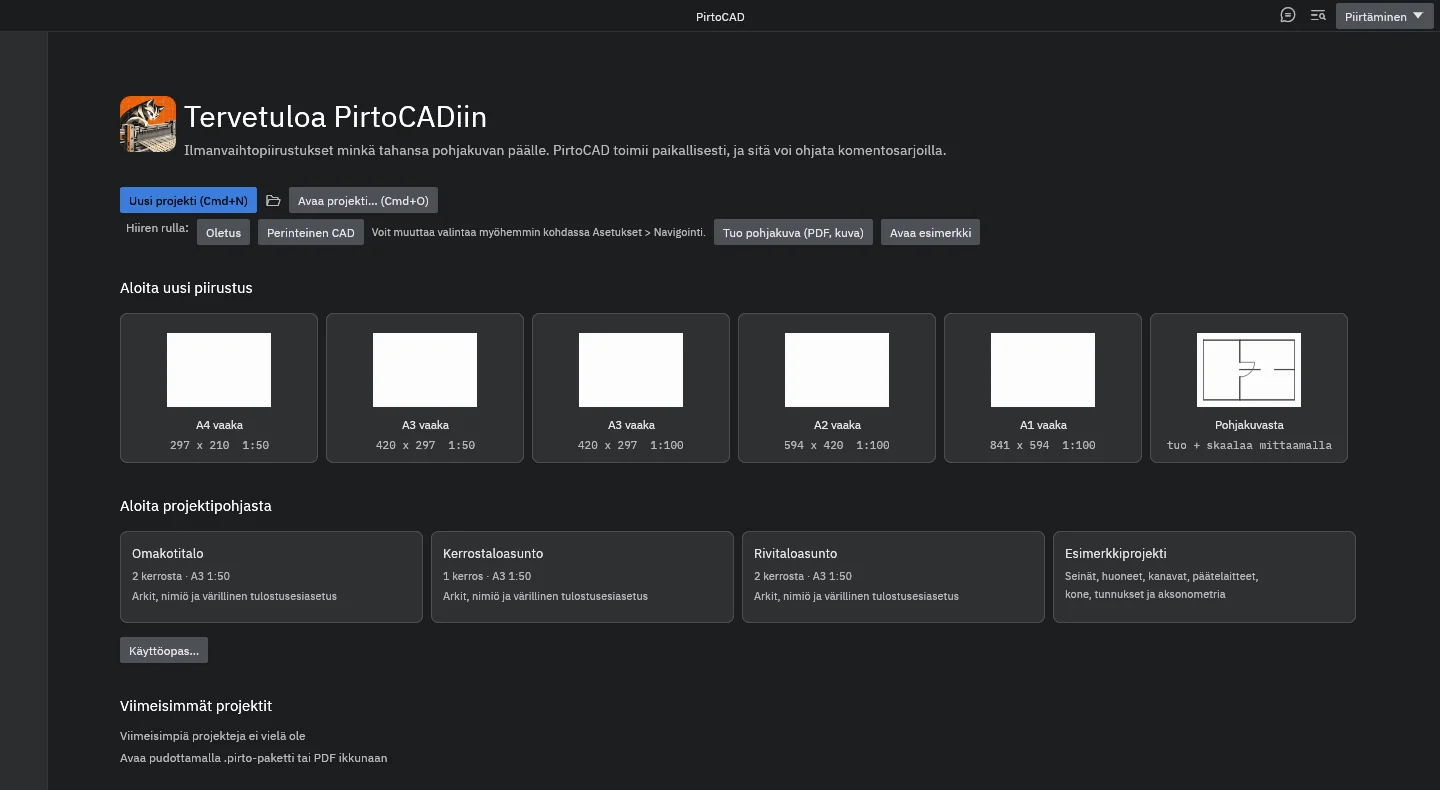
How to send feedback
Choose Help > Send feedback (Ohje > Lähetä palautetta) while the problem is on screen. PirtoCAD builds the report on your own computer and opens a ready message in your own email program. Nothing is sent until you press Send there.
- Before sending, you see exactly what the attachments contain.
- The screenshot is taken of the PirtoCAD window only, never of the desktop or other programs. Text in the image is not hidden automatically, but you can blur the drawing area or leave the image out.
- PirtoCAD itself never connects to the internet: no update check, no usage statistics and no automatic error reports.
System requirements
| Platform | Minimum | Packages |
|---|---|---|
| macOS | Apple silicon Mac only, macOS 11 Big Sur or later; Intel Macs later | .dmg |
| Windows | Windows 11 only, 64-bit; Windows 10 later | .msi, .zip |
| Linux | Ubuntu 20.04, Debian 11 or the RHEL 9 family (glibc 2.31); the Flatpak brings its own runtime, downloaded from Flathub on first installation | Flatpak, .deb, .rpm, .tar.gz |
How smoothly large projects run depends on the computer. The Windows and Linux versions have been tested less than the macOS version. Known limitations are described in chapter 13 of the user guide.
The designer is responsible for the results. Default values and calculations support the designer. A calculation is only as good as its input data, so always check the default values and the results yourself.